


When the owner of a construction company changes payroll providers, they expect things to get easier. At the end of the month, billing has to include every overtime shift and drive time hour. This is because crews clock in at different job sites and the hours need to be sorted by project. At that point, ADP Workforce Now payroll is often what businesses use. Over 90,000 businesses trust it, which is a lot of institutional weight that almost makes a sales pitch unnecessary.
But weight and dependability don’t always match up. If you run a small or medium-sized business, ADP Workforce Now is a cloud-based human capital management platform that works well for you. At its core, the payroll function is meant to do the things that take up HR managers’ time: it should be able to run payroll with just a few clicks, automatically file federal, state, and local taxes, make pay stubs, and flag problems before they become costly mistakes. The last feature, which is AI-powered error detection, is really helpful. It does more than just find a lost tax ID; it also tells you how to fix it. When it’s Tuesday afternoon, payroll teams really like that kind of guided correction.
The platform lets you make ACH payments the same day, which is useful when you need to send out your last paycheck quickly. With automated general ledger entries, you don’t have to go back and forth with accounting software as much. Employees can see their timesheets, pay stubs, and deductions on their phones without having to call HR. It works well on paper and most of the time in real life.
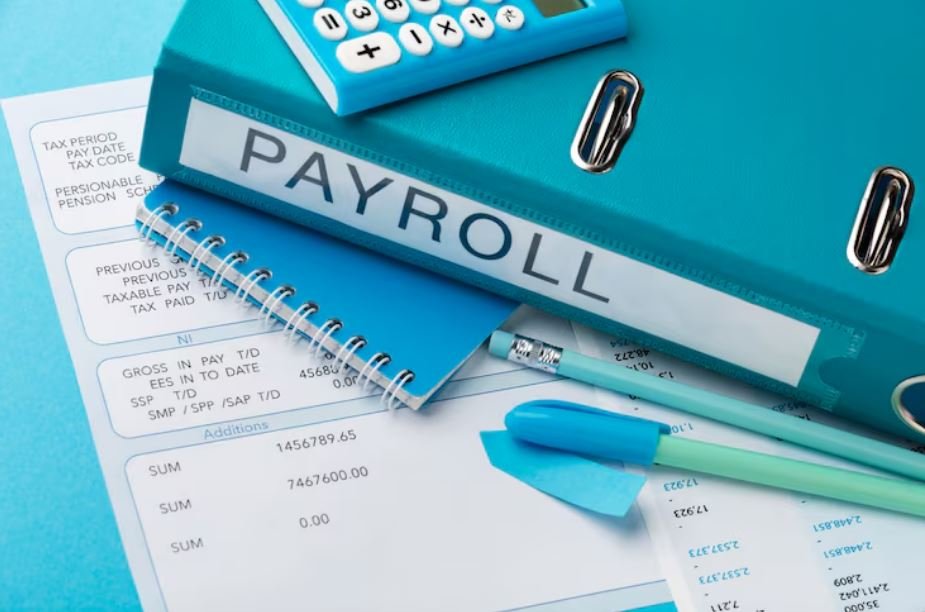
But there’s still a difference between what the platform can do and what a business gets when they sign the contract. During implementation, that gap often becomes clear. In payroll forums, there are stories about companies going live with accounts that were not set up correctly, job codes that were not set up correctly, and cost centers that were not populating. Five weeks after go-live, an 80-person construction company had to sort through 95 timecards by hand at the end of the month because the ADP implementation team hadn’t set up the labor distribution report correctly. Things like this might not happen very often, but it’s possible that they do. But they happen so often that they have their own thread in the payroll community on Reddit.
People have both good and bad things to say about ADP Workforce Now payroll’s custom reporting. The reporting tools can do what they’re supposed to. For example, the field selector in the custom reporting module can pull hours by employee, job code, department, and pay type, and then send it all to Excel. That flexibility is very useful for companies that need to find different ways to divide up their workers. The catch is that you need either a knowledgeable internal administrator or careful help from ADP’s implementation team to set up those reports correctly. Without one of those, the depth of the system can feel more like a maze.
It’s important to note that ADP Workforce Now isn’t just one product. The platform is built in layers, with payroll sitting on top of tools for time and attendance, talent management, benefits administration, and compliance. Because of this integration, a manager can see an employee’s timesheet and expected pay in the same place where they sign up for benefits. When a business grows and used to have to manage three or four different systems, combining them into one is often a huge relief.
The platform has about 4.19% of the payroll management software market, which is a little less than ADP Payroll’s separate product. Analysts are likely to care less about that comparison than an HR director who needs to get payroll out before the holiday weekend. It’s important that the system works well, that tax returns are sent out on time, and that someone answers the phone when something goes wrong.
ADP Workforce Now usually does a good job with the first two points. On the third, it depends on the level of support, how the account is set up, and sometimes it’s just a matter of luck who answers.
ADP Workforce is a good option for businesses that are willing to put money into a proper setup and learn how to use the reporting tools. Now payroll is a serious platform that can do serious things. People who thought it would be plug-and-play from the start may need to make some adjustments over the next few weeks, which wasn’t talked about in the sales call.
